Introduction
If you want people to call you instantly without saving your number or typing it out, a Call QR Code is the simplest way to do it. We built QR Dada so you can create these codes in minutes, customize them to match your brand, and share them anywhere you want.
In this guide, we will keep it simple. First, you will understand what a Call QR Code is. Then we will show you How To Generate a Call QR Code in 5 easy steps using QR Dada, and also cover a few common questions people ask.
What is a Call QR Code? How Does It Work?
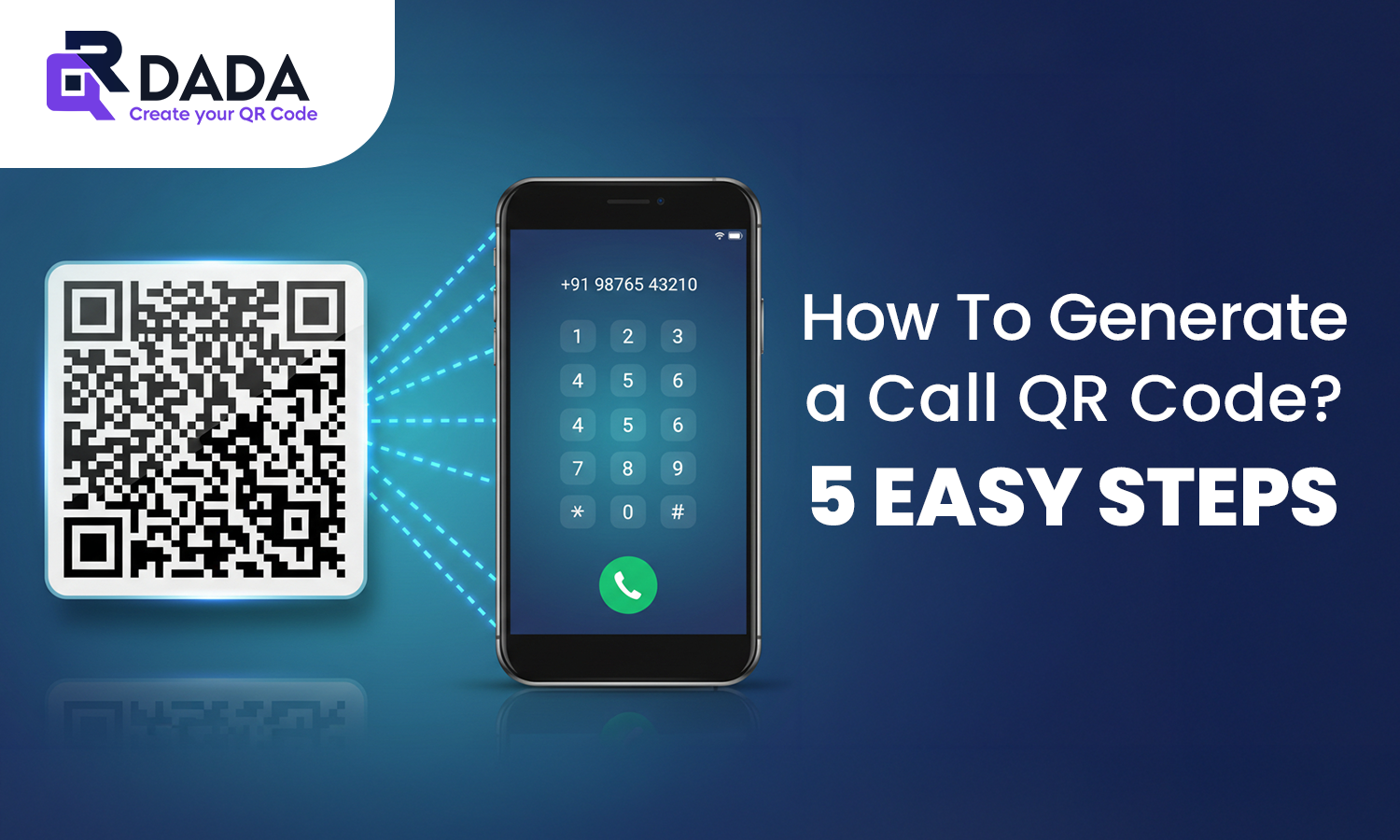
A Call QR Code is a QR code that stores a phone number in a “tel:” format. When someone scans it, their phone opens the dialer with your number already filled in. They only need to tap call.
So instead of copying a number from a banner or searching for it on a site, people reach you in one scan. That is why businesses use a QR Code on visiting cards, packaging, posters, ads, and even email signatures.
How To Generate a Call QR Code? Step-by-Step Process
Here is the exact flow inside QR Dada. No technical steps. Just follow along.
Step 1: Open QR Dada and choose “Call”
Go to QR Dada, sign in, and pick the Call option. This starts your How To Generate a Call QR Code process.
Step 2: Enter your phone number
Type the number you want people to call.
Tip from us: always include the country code, so it works for everyone scanning from different regions.
Step 3: Customize your QR design
This is where QR Dada stands out. You can add colors, a logo, and styling without breaking scan quality. A clean design improves trust and scan rate.
Step 4: Generate and test
Click generate. Scan it once yourself to confirm it opens your dialer correctly. That is the safest way to confirm your scan to call QR code is ready.
Step 5: Download and use anywhere
Download in PNG, SVG, or print format and place it where your customers will see it. This completes your How To Generate a Call QR Code setup.
That is it. Five steps, and your call QR is live.
Best Call QR Code Generator in India
You will find many tools online, but most are either too basic or hard to customize. QR Dada is built for real business use in India, especially for teams that want speed, design control, and clean output.
Here is what makes us a strong choice:
- Simple flow, anyone can create a Call QR in minutes
- Full customization without hurting scan quality
- Download options for print and digital use
- Works well for stores, service teams, sales, and support
If you need a direct call QR code generator that looks professional and works everywhere, QR Dada covers that cleanly.