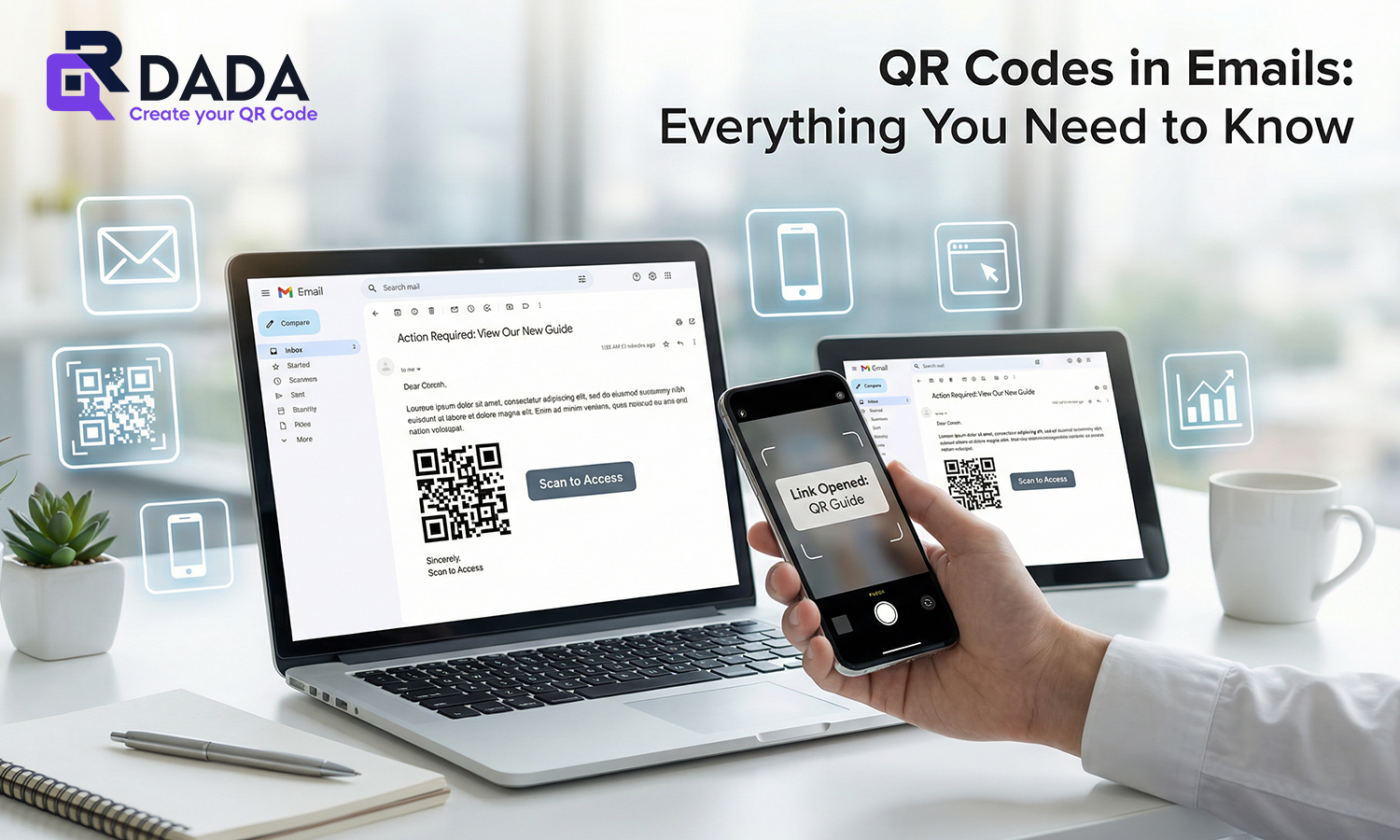
Using QR Codes in Emails can be a smart move when you want the reader to take action quickly. Instead of asking them to copy a link or search for something, you give them one simple scan that takes them exactly where you want.
But there is one important thing you should know from the start. A QR code inside an email is not scanned from the same phone easily unless the user opens it on a second screen, or saves the image and scans it using another method. That does not mean it is useless. It just means you must use it in the right situations.
Let’s break it down in a simple way.
What Are QR Codes in Emails and Why People Use Them
When people say QR codes in emails, they usually mean adding a QR image inside the email body that opens a link, form, menu, payment page, WhatsApp chat, or anything else when scanned.
The main reason brands use QR in emails is to make the next step faster, especially when the person is reading the email on a desktop. In that case, the user can scan from their phone and continue instantly without switching devices or typing long links.
Where to Place a QR Code in an Email for Best Scans
Placement matters a lot because people scan only when it feels easy and obvious.
Here are spots that work well:
- Near the main call-to-action, after you explain the benefit
- Below the offer details, so it feels like the next step
- In event invites, close to the venue or registration line
- In support emails, close to “contact us” instructions
Keep the QR code close to a simple line like “Scan to open the link on your phone.” This small instruction increases scans because people understand what to do immediately.
Common Mistakes to Avoid When Using QR Codes in Emails
If you want QR Codes in Emails to look credible, avoid these common mistakes:
- Too small QR codes
If the QR is tiny, people will not even try scanning. It should be large enough to scan comfortably.
- No backup link
Always include a clickable link as well. Some users will prefer tapping instead of scanning.
- QR with no context
Do not drop a QR image randomly. Tell users what they get after scanning.
- Poor contrast and messy design
If your QR is low contrast or too stylized, scans fail. Keep it clean and test it.
Best Use Cases for QR Codes in Emails
Here are practical ways where QR Codes in Emails actually make sense:
- Sending users to a landing page for a limited-time offer
- Opening a feedback form after purchase
- Sending a registration link for an event
- Sharing a PDF brochure or menu
- Opening support chat or WhatsApp help
- Giving a quick download link to an app
If you want email actions to feel easier, these use cases work well without making the email look spammy.
Creating Email QR Codes with QR Dada
If your goal is to create a QR that opens an email draft, QR Dada makes it simple.
With a qr code generator for email, you can set:
- recipient email
- subject line
- message body
That is useful for support, feedback, or contact requests.
If you need a QR that saves your email contact, you can create a qr code for an email address through a contact style QR, so people can store it without typing.
And if you want the scan to open the email app with everything pre-filled, you can set it up as a qr code to send an email, so users only need to tap send.
The main point is this: QR Dada lets you create these codes cleanly and style them so they still look professional inside an email.
Conclusion
QR codes can work really well inside emails when you use them for the right reason. The best time to use QR Codes in Emails is when your email is being read on desktop and you want the user to continue on their phone quickly.
If you keep the design clear, add context, and always provide a backup link, QR codes feel helpful, not forced.
And if you want a simple tool to create email-based QR codes that look trustworthy, QR Dada gives you a clean way to generate them and use them across campaigns.