
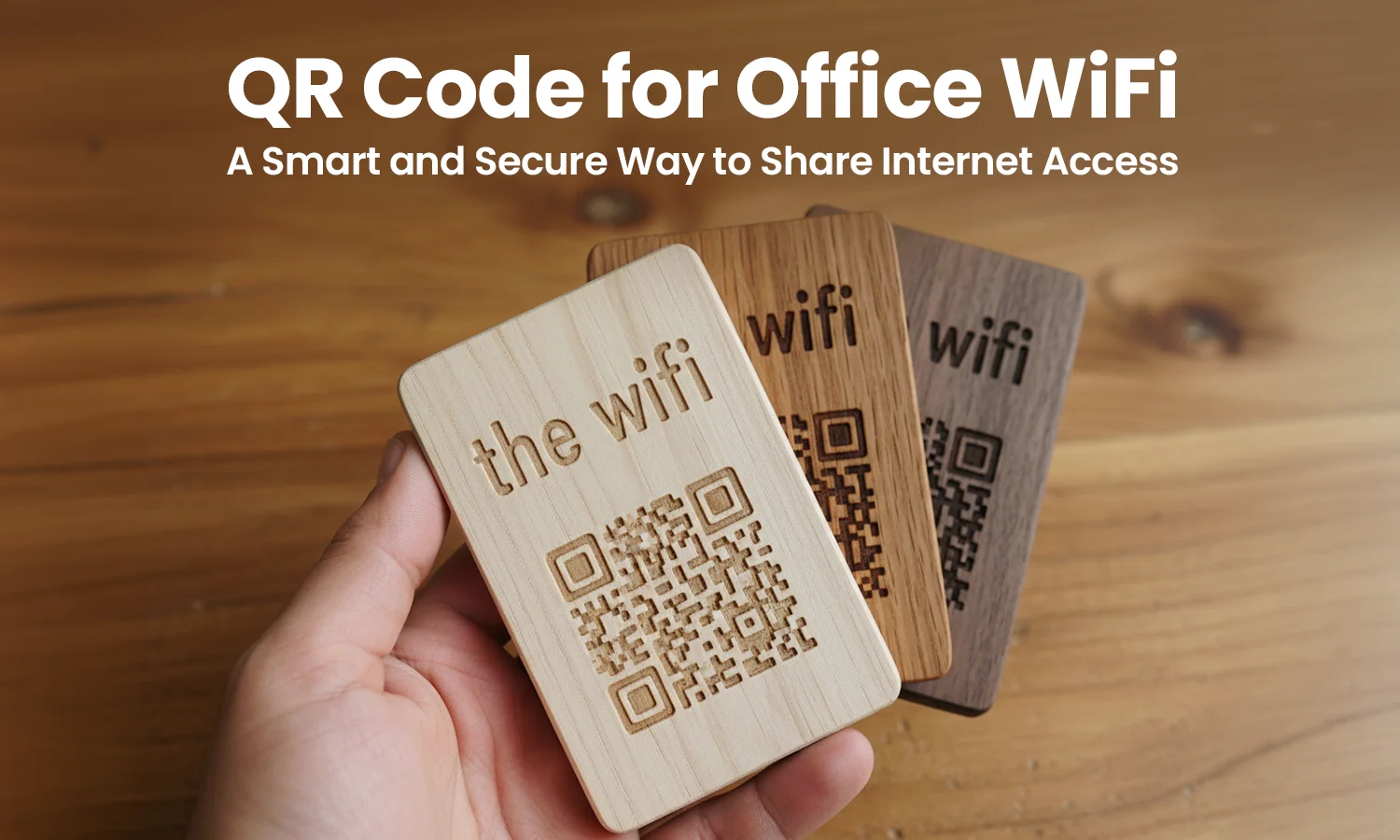
Introduction – The Problem We Faced
Before implementing a QR Code for Office WiFi, our office faced a surprisingly common problem: sharing internet access.
Employees frequently asked for the WiFi password, especially when new team members joined. Visitors attending meetings also needed internet access, which meant the reception team often had to repeat the password multiple times a day.
Guests sometimes wrote down the password on paper or saved it incorrectly. In a few cases, the password was shared beyond the office environment, which raised security concerns.
The situation became inefficient. Staff members were spending time explaining network credentials instead of focusing on their actual work. This small issue highlighted the need for a more efficient way to share wifi using qr code technology.
Why We Decided to Create a QR Code for Office WiFi
The solution was simple: implement a QR Code for Office WiFi that employees and guests could scan instantly.
Using a wifi qr code generator, we created a scannable code that connects users to the office network without typing the password manually.
This approach provided several advantages:
- Faster WiFi access for visitors and employees
- No typing mistakes when entering long passwords
- A more professional experience for guests
- Better control over qr code for guest wifi access
Instead of verbally sharing the credentials, users simply scan to connect wifi using their smartphone’s qr code scanner.
How We Created the QR Code for Office WiFi (Step-by-Step)
Creating the wifi password qr code was straightforward and took only a few minutes.
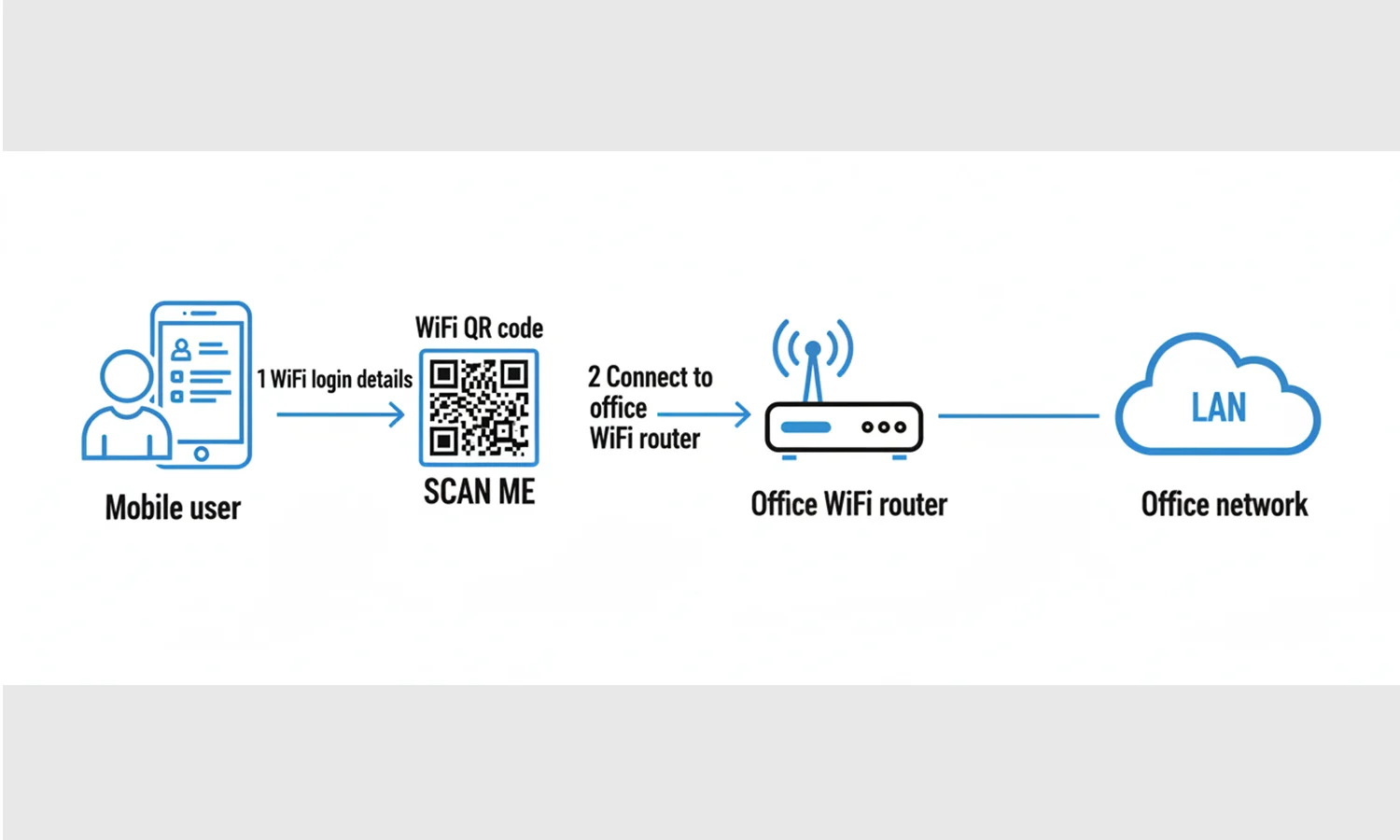 Step 1: Selected the WiFi network name (SSID) that guests and employees use.
Step 2: Entered the secure password into a qr code generator designed for WiFi access.
Step 3: Used a wifi qr code generator to generate qr code for wifi with encrypted credentials.
Step 4: Downloaded the wifi qr code in high resolution to ensure easy scanning.
Step 5: Printed and placed the code at reception desks and meeting rooms so visitors could easily scan wifi qr code when they arrived.
The final Qrcode allows users to automatically retrieve the wifi password from qr code without needing to type anything.
How It Improved Our Daily Office Operations
The QR Code for Office WiFi immediately improved daily office operations.
Visitors could connect to the internet within seconds by scanning the code. Employees also stopped asking for the password because the QR code was displayed clearly in common areas.
Operational improvements included:
- Guests connecting instantly using scan wifi qr code
- Reduced interruptions to reception and IT staff
- No more spelling mistakes when typing passwords
- A cleaner reception area with no sticky notes showing credentials
The QR system also allowed us to easily share wifi qr code internally through office communication channels when needed.
Security Benefits We Noticed
Security was one of the biggest advantages of using a QR Code for Office WiFi.
Previously, passwords were often spoken aloud or written down, which increased the risk of unauthorized access. With QR codes, the password remains hidden inside the code itself.
Key security benefits included:
- No verbal password sharing
- Controlled qr code for internet access for guests
- Easy password updates when needed
- Ability to create a separate qr code for guest wifi network
When the password changes, we simply make qr code for wifi again and replace the printed version.
Best Practices for Using WiFi QR Codes in Offices
To ensure the QR Code for Office WiFi works effectively, we adopted several best practices.
- Place QR codes in visible but controlled locations such as reception and meeting rooms
- Use a guest network instead of the main company network
- Print the wifi qr code in high resolution to avoid scanning issues
- Always test the qr code scanner functionality before displaying it publicly
These simple steps help maintain both convenience and security.
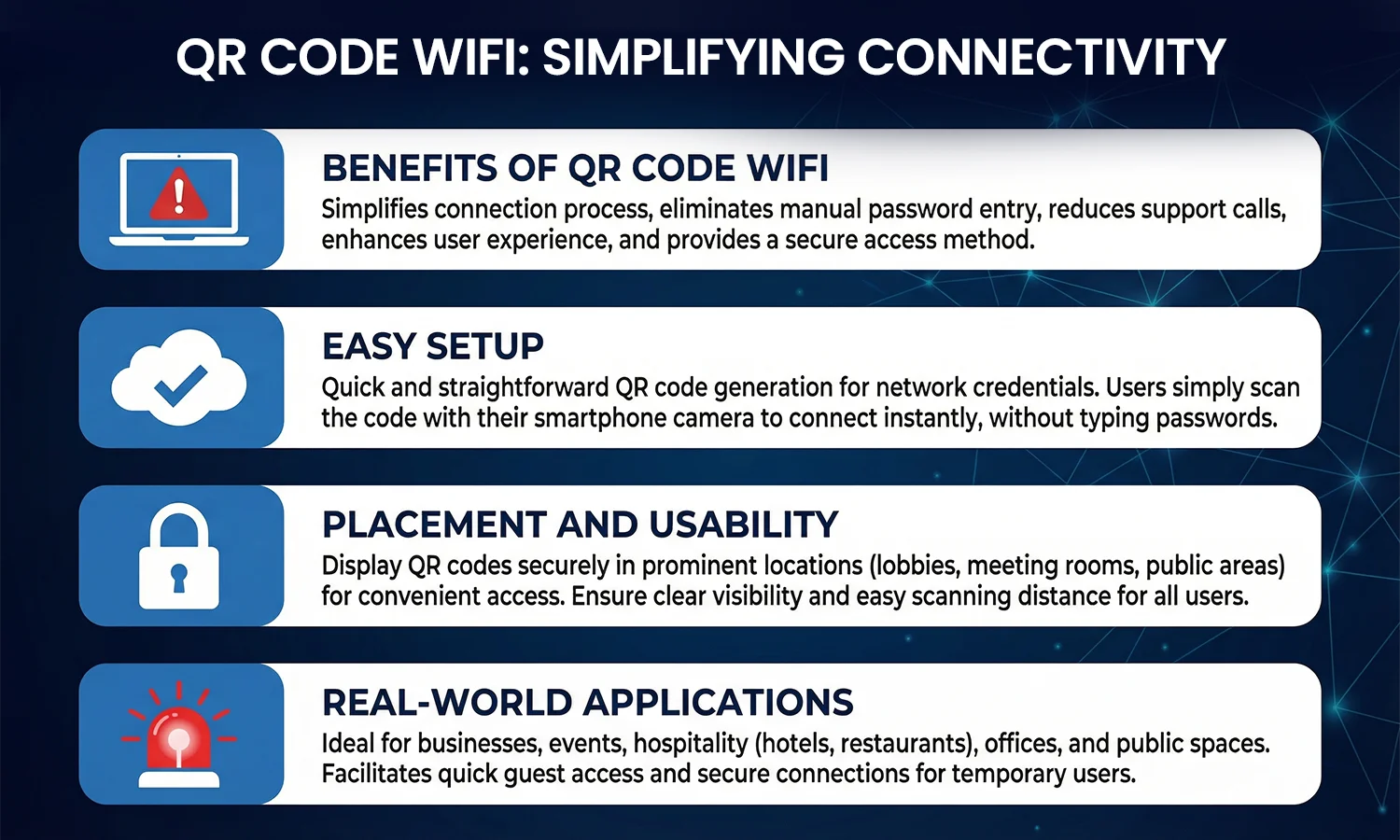 Results We Experienced
Implementing a QR Code for Office WiFi created noticeable improvements in our workplace.
Some of the key results included:
- Reduced time spent explaining passwords
- Faster onboarding for new employees
- Improved visitor experience during meetings
- A more organized and professional office environment
Using a simple wifi password qr code helped streamline internet access across the office.
Why Every Office Should Use a WiFi QR Code
Adopting a QR Code for Office WiFi is one of the simplest digital upgrades an organization can implement.
Benefits include:
- Saves time for staff and visitors
- Improves network security
- Creates a modern office experience
- Easy to implement using tools that create qr code for wifi
Companies that want efficient visitor management and smoother operations should consider this small but impactful change.
Quote
“Technology should simplify everyday tasks, not complicate them.”
— Sundar Pichai, CEO of Google